Goal
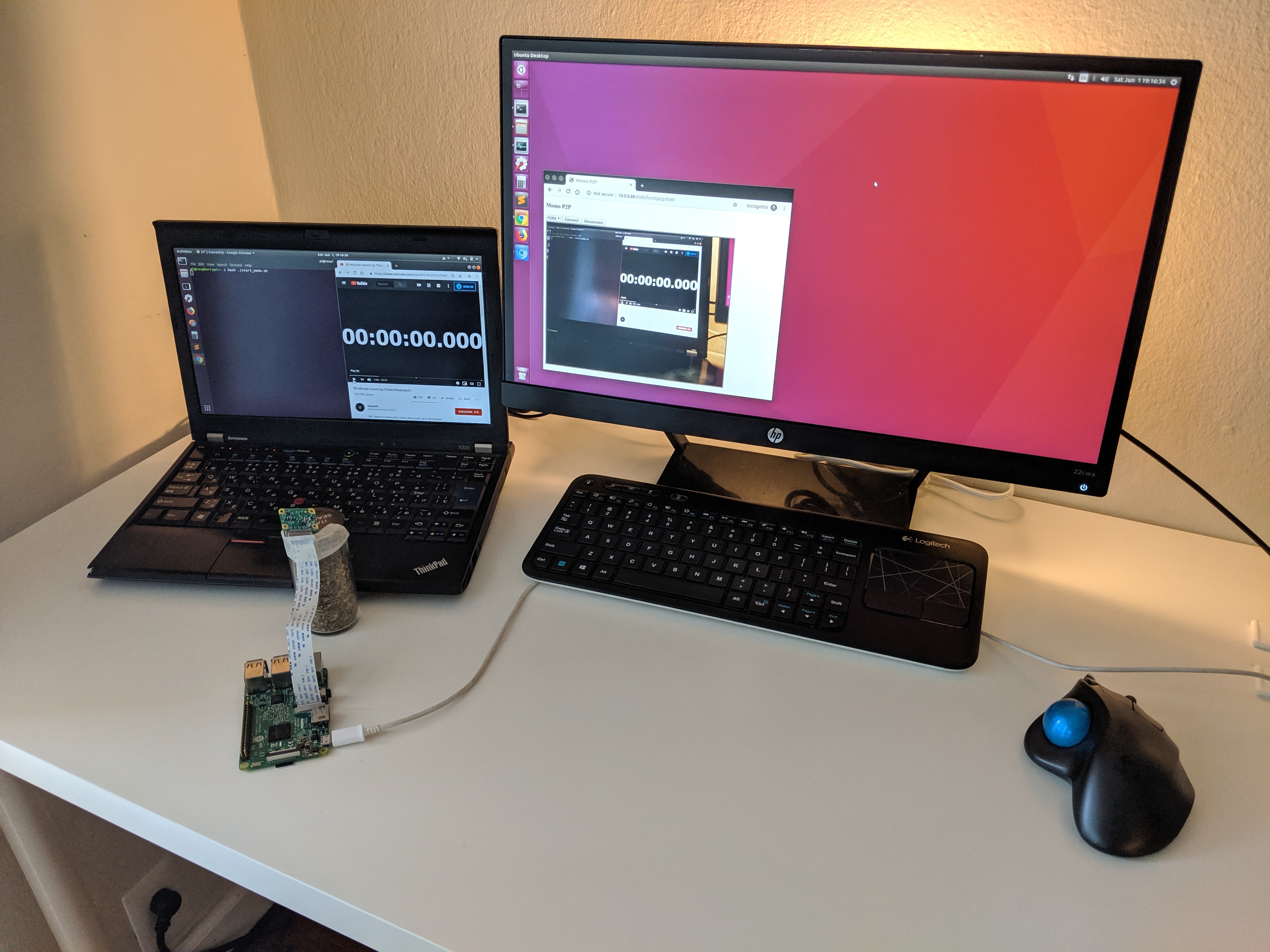
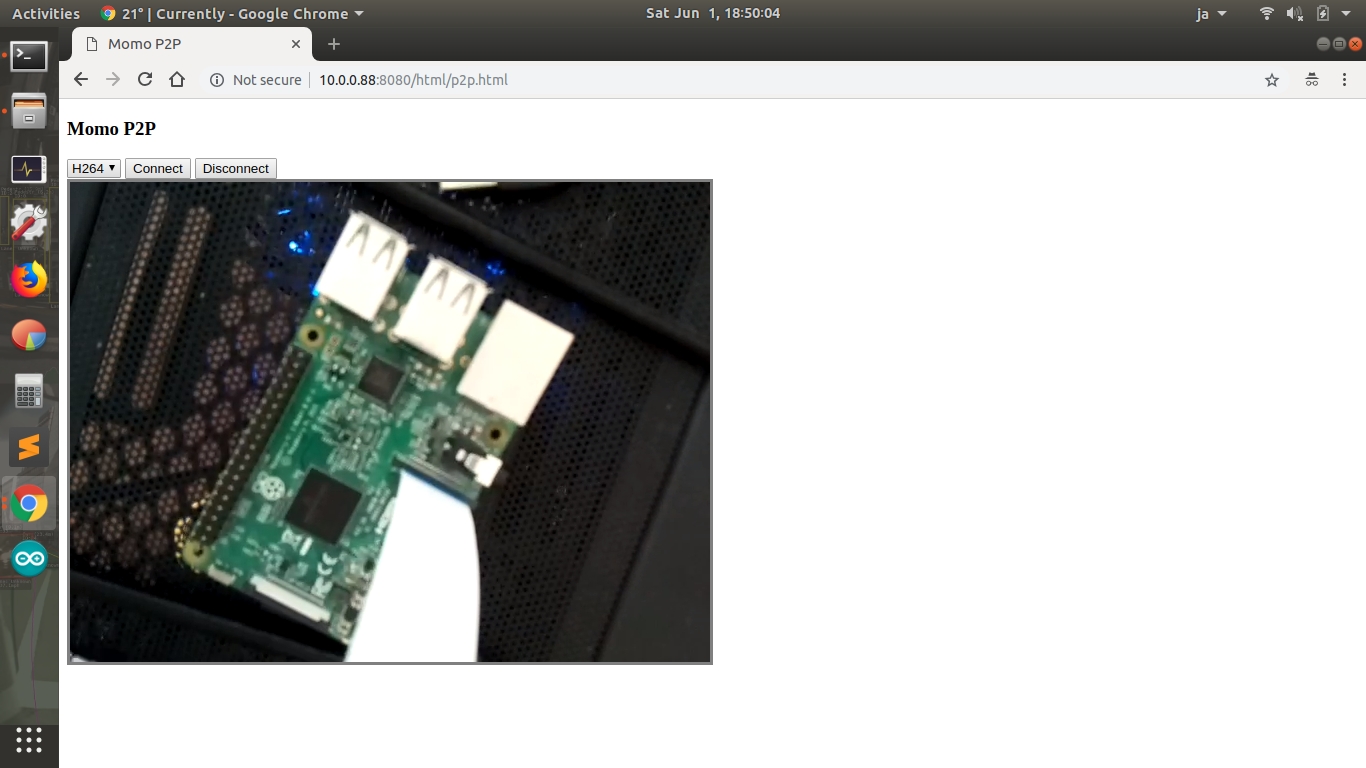
Download momo binary and run on Raspberry Pi 3B to see a Pi’s camera image on Host PC.
Environment
- Server: Raspberry Pi 3B
- Client: X220 (Ubuntu 18.04)
- Momo: 19.07.0-rc0
Setup Camera
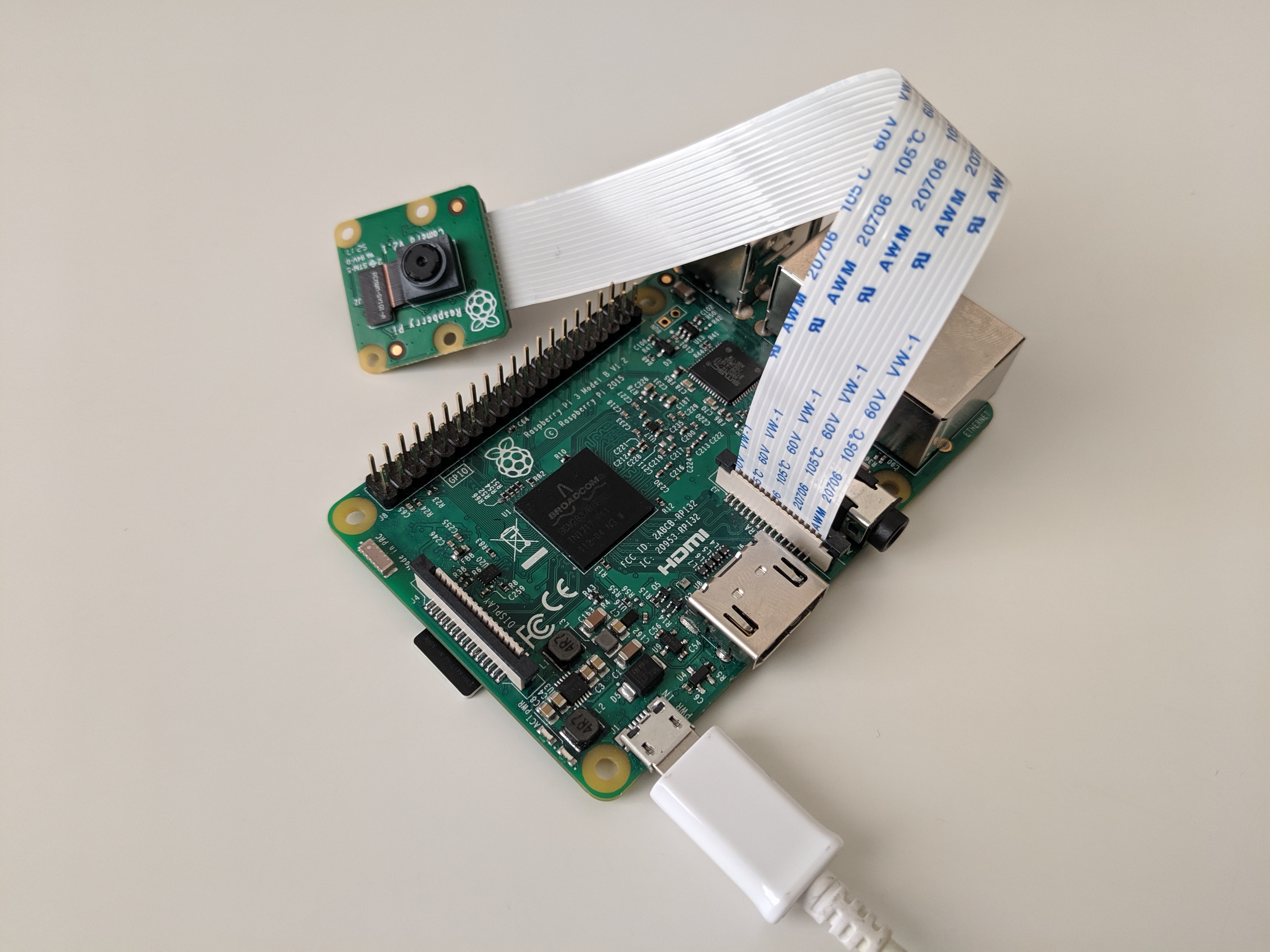
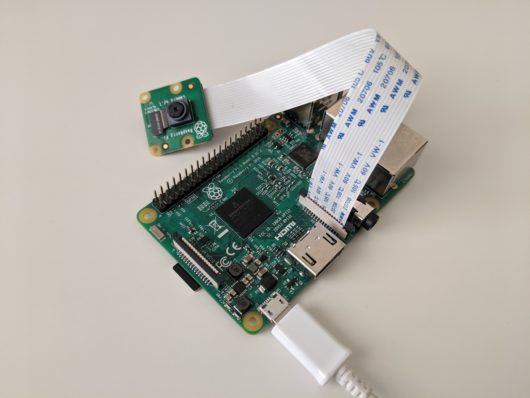
- Connect a camera to Pi
- $ vcgencmd get_camera
- supported=1 detected=1 # Should be like this
Setup Library
- $ sudo apt-get install libnspr4 libnss3
- $ sudo modprobe bcm2835-v4l2
- $ sudo vi /etc/modules
- bcm2835-v4l2 # For Using Raspberry Pi Camera
- $ sudo reboot
Check IP address
- $ ifconfig
- wlan0: flags=4163 mtu 1500
- inet 10.0.0.88 netmask 255.255.255.0 broadcast 10.0.0.255
Get momo
- $ wget https://github.com/shiguredo/momo/releases/download/19.07.0-rc0/momo-19.07.0-rc0_raspbian-stretch_armv7.tar.gz
- You can see newest version at here.
- Raspbian Stretch ARMv7
- Raspbian Stretch ARMv6
- For Raspberry Pi Zero W/WH
- $ tar xvzf momo-19.07.0-rc0_raspbian-stretch_armv7.tar.gz
- $ sudo rm -r momo-19.07.0-rc0_raspbian-stretch_armv7.tar.gz
Run momo
- $ cd momo-19.07.0-rc0_raspbian-stretch_armv7/
- $ ./momo --version
- WebRTC Native Client Momo version 19.07.0-rc0 USE_MMAL_ENCODER=1
- $ ./momo --help
- $ ./momo --no-audio --resolution HD --framerate 30 p2p
Acces
Benchmark
The delay is about 100~300msec.
momo 19.02.0
momo 19.07.0-rc0
My Note
- According to the wiki,
- RPi 3 Model B is ARMv8-A (64/32-bit).
- RPi zero is ARMv6Z (32-bit)
- However if we run the command on Pi 3B,
- $ lscpu
- Architecture: armv7l
- Byte Order: Little Endian
- CPU(s): 4
- On-line CPU(s) list: 0-3
- Thread(s) per core: 1
- Core(s) per socket: 4
- Socket(s): 1
- Model: 4
- Model name: ARMv7 Processor rev 4 (v7l)
- CPU max MHz: 1200.0000
- CPU min MHz: 600.0000
- BogoMIPS: 38.40
- Flags: half thumb fastmult vfp edsp neon vfpv3 tls vfpv4 idiva idivt vfpd32 lpae evtstrm crc32
- Which mean Pi 3B is not compatible ARMv8 yet.
Reference